Home > Online Banking / Mobile App > Mobile Banking / App
Access your account anytime, anywhere!
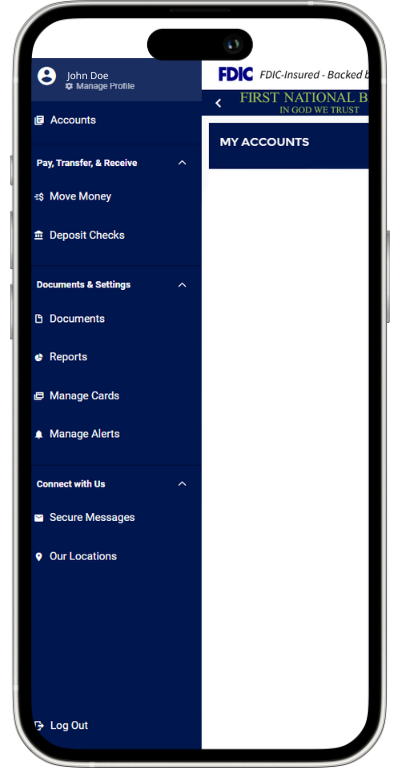
Go to the App store or the Playstore and search First National Bank Hamilton to download the First National Bank app for iPhone, iPad, or Android.
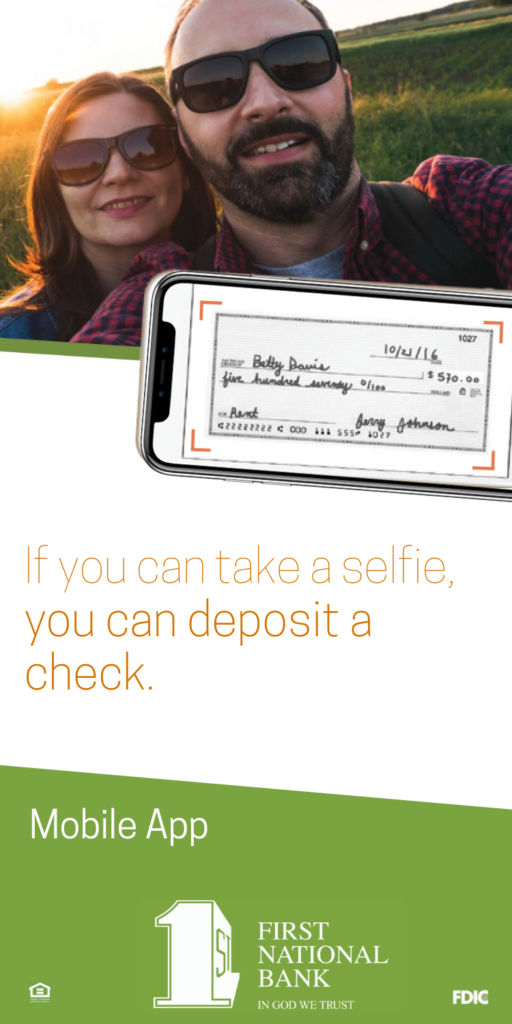
The Mobile Check Deposit Service allows you to deposit checks directly into your account from your mobile device using our First National Bank mobile application.
Simply go to the Mobile Deposit enrollment on the mobile banking toolbar. Endorse the back of the check “(in bold)for FNB mobile deposit only” and then launch “Deposit Check” in mobile banking so that you can take a picture of the front and back of the check.
Touch Authentication and Face Authentication allow you to log into your online banking without typing in your username and password.
Please follow these steps:
App set up:
Your Android phone must have touch ID in order to utilize this feature.
For help, send HELP to 226563. To cancel, text STOP to 226563 at any time. For support, visit www.fnbhamilton.com or call (205) 921-5252 for Customer Service.
Give us a call or visit any of our convenient locations to speak with an FNB representative.
Online Banking enables you to transfer funds between your own FNB accounts quickly and easily. On your computer, tablet, or smart phone select ‘Transactions’ then ‘Funds Transfer’ to begin the simple process of making a transfer.
*Some features such as Mobile Deposit, External Transfers, and Bill Pay are available after the account has been open and active for 90 days.
You can enroll in Online Banking by clicking the enrollment link here and following the steps provided to set up your account. If you need assistance, call our Operations Center at (205) 921-5252, and an FNB representative will be happy to help you get started.
On the FNB Mobile App login page, select Forgot Password. You will be prompted to enter your username, and a password reset link will be sent to the email address we have on file. Open the email and follow the steps provided to reset your Online Banking password.
You can also call our Operations Center at (205) 921-5252, and an FNB representative will be happy to assist you.
To download the First National Bank Mobile App, open the App Store on your mobile device and search for “FNB Hamilton.” The FNB Mobile App should be one of the top results to appear.
Yes, options are available upon account type.
This website uses cookies to improve user experience. By using the First National Bank website you agree that we may store and access cookies and similar technologies on your device.